

Email me with questions or problems accessing the script.
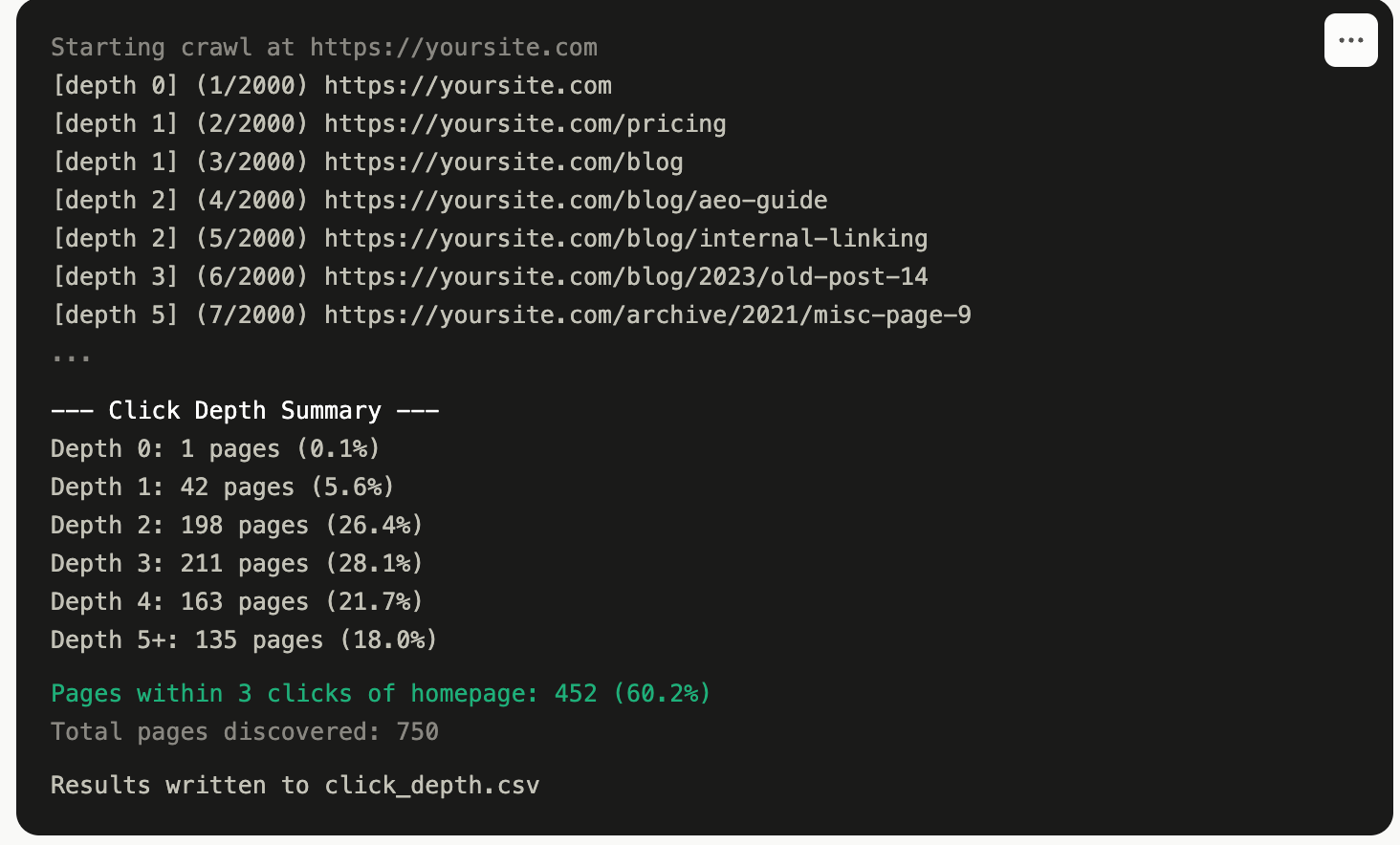
Getting this running takes about five minutes on any machine with Python installed, and there’s no real “deployment” required since it’s a script you run once and let finish, not a service that sits on a server.
First, confirm Python 3 is installed by running python3 --version in a terminal. Anything 3.7 or newer works fine.
Next, install the two libraries the script depends on:
pip install requests beautifulsoup4If that fails with a permissions error, add --user to the end of the command, or set up a virtual environment first with python3 -m venv venv followed by source venv/bin/activate on Mac or Linux, or venv\Scripts\activate on Windows, then run the pip install again inside that environment.
Save the script file somewhere accessible, then run it against the site in question:
python3 click_depth_crawler.py https://yoursite.comThat’s the whole deployment. It runs locally on whatever machine you launch it from, whether that’s a laptop or a server you SSH into, and it reaches out to the target site over normal HTTP requests the same way a browser would, so there’s nothing to install on the site’s side and no code to add to the site itself.
A few flags matter depending on the size of the site. For anything with more than a couple thousand pages, raise the ceiling before running: python3 click_depth_crawler.py https://yoursite.com --max-pages 10000. If the crawl feels too slow, the delay between requests can be lowered with --delay 0.1, though pushing it too aggressively risks tripping rate limiting or bot protection on the target site, so raise it in small increments rather than dropping straight to zero. Output lands in a file called click_depth.csv in whatever folder the script was run from, unless a different name is specified with --output filename.csv.